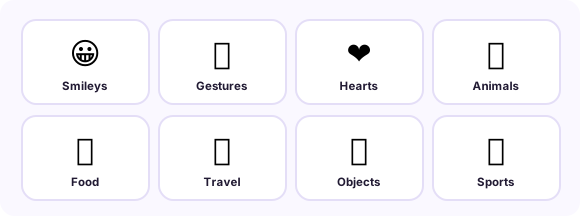
120 emoji, eight categories, one tap each. Every
character copies as text and pastes into any app on any device. Updated November 04, 2026.
How it works: tap any cell once and the emoji is in your clipboard - the
small "copied ✓" confirms it. Then paste wherever a cursor blinks. No app install, no keyboard
switching, no downloads.
The universal three-step: find it here, tap, paste there.Eight categories in order - jump to any of them below.
Smileys & emotions
Gestures & people
Hearts & symbols
Animals & nature
Food & drink
Travel & places
Objects & tech
Sports & activity
Deep dives for the emoji with stories
Some emoji deserve a full page - the ones with usage lore, platform quirks or a myth to debunk:
Tap any emoji on this page - it is copied instantly. Switch to Messages (or any app), tap the text field, then tap Paste. On iPhones the long-press menu also offers a native emoji keyboard via the globe key.
How do I copy and paste emoji on Android?
Tap the emoji here, then long-press your text field and choose Paste. Android’s emoji keyboard (Gboard) also has a built-in emoji search if you need them offline.
How do I type emoji on Windows or Mac?
Windows: Win + . (period) opens the emoji panel. Mac: Ctrl+Cmd+Space opens the character viewer. Or just copy from this page - the character pastes identically.
Why does an emoji show as a box or question mark?
The receiving device’s font lacks that character - usually a brand-new emoji sent to an old system. The character is still there; updating the OS fixes the drawing.